
5 Awesome Jupyter Notebook Alternatives
 Yulei Chen
Jupyter Notebook is the gold standard for interactive computing. It lets you combine live code, equations, visualizations, and narrative text in a single document, making it the go-to tool for data scientists, researchers, and educators worldwide. Jupyter is completely free and open source, but running it locally limits you to your own machine's resources and makes sharing notebooks tricky.
If you want a dedicated Jupyter instance accessible from anywhere, you can self-host it on Sliplane for just €9/month per server, with HTTPS, persistent storage, and zero server management. Check out our easy deploy guide to get started in minutes.
But maybe Jupyter Notebook isn't quite the right fit for your use case. Maybe you need reactive execution, real-time collaboration, or a cloud-hosted environment with GPUs. Let's look at 5 awesome alternatives!
1. marimo
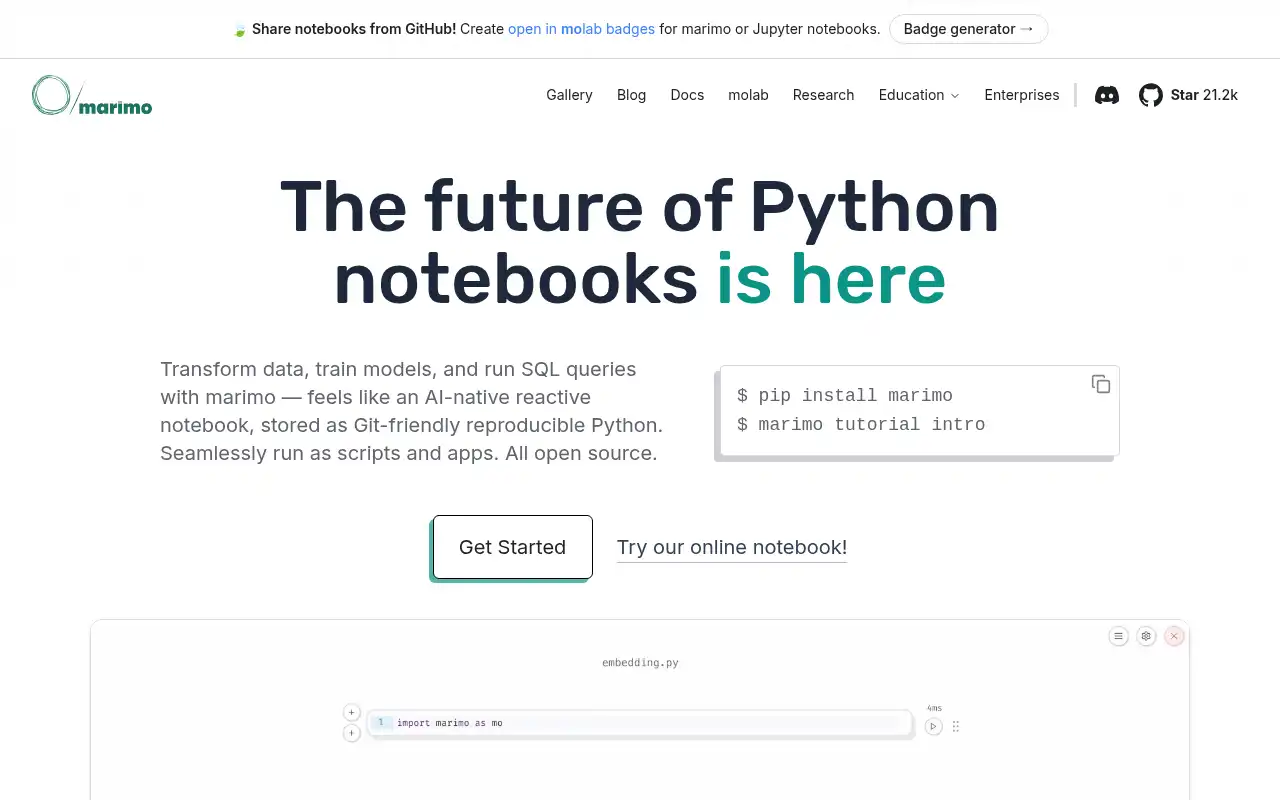
marimo is an open-source reactive Python notebook that fixes many of Jupyter's biggest pain points. Instead of manually re-running cells in the right order, marimo automatically executes dependent cells when you make a change, keeping everything consistent and reproducible.
- Features: Reactive execution, notebooks stored as pure Python files, built-in interactive UI elements (sliders, dropdowns, dataframe explorers), SQL support, AI-native code assistance, WebAssembly export, deployable as web apps, and a VS Code extension.
- Why You Should Use It: If you've ever been bitten by stale state in Jupyter or struggled with Git diffs on
.ipynbfiles, marimo solves both problems. Notebooks are plain.pyfiles, so they diff and merge cleanly. The reactive execution model means you can trust that your outputs always match your code. It's also completely free and open source. - Why Not: marimo's reactive model means cells can't have conflicting variable definitions, which requires a slight shift in how you write notebooks. The ecosystem is younger than Jupyter's, so some niche extensions and integrations may not be available yet.
- Pricing: Completely free and open source. Install with
pip install marimo. The marimo Community Cloud is free for sharing notebooks. Self-hosting on Sliplane costs €9/month.
2. Google Colab
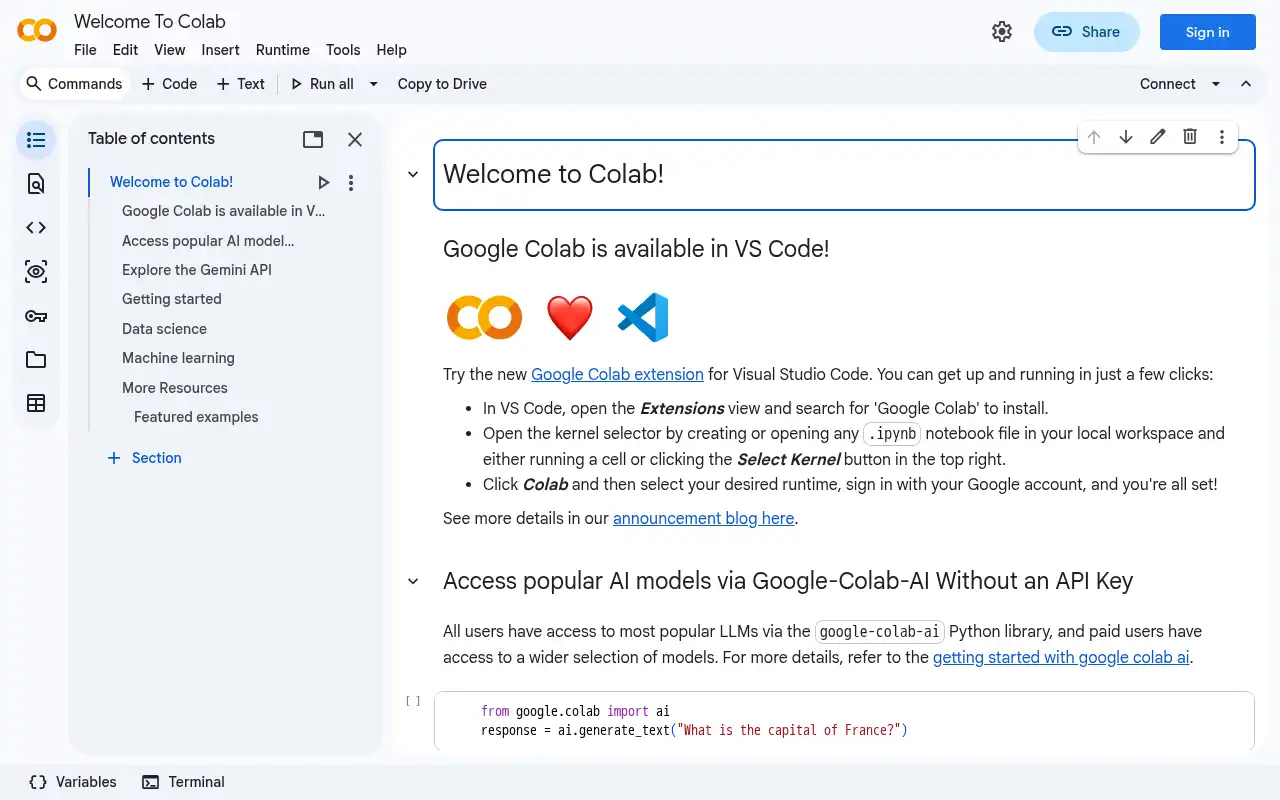
Google Colab is Google's cloud-hosted notebook environment, built on top of the Jupyter ecosystem. It gives you access to free GPUs and TPUs directly in your browser, with zero setup required. Colab is the most popular cloud notebook platform and the default choice for many machine learning tutorials and courses.
- Features: Free GPU and TPU access, Google Drive integration, real-time collaboration, built-in code completion and AI assistance, easy sharing via links, pre-installed ML libraries (TensorFlow, PyTorch, JAX), and support for custom runtimes.
- Why You Should Use It: If you need GPU access for machine learning and don't want to manage infrastructure, Colab is hard to beat. The free tier is generous enough for learning and prototyping, and the Google Drive integration makes sharing notebooks effortless. It's also the platform most ML tutorials are written for.
- Why Not: Colab is proprietary and cloud-only, so you can't self-host it. The free tier has unpredictable GPU availability and session time limits (up to 12 hours). Notebooks can disconnect without warning, and there's no built-in version control beyond Google Drive history.
- Pricing: Free tier with limited GPU access; Colab Pro at $11.99/month (100 compute units, better GPUs); Colab Pro+ at $49.99/month (500 compute units, priority GPU access, 24-hour sessions); Pay As You Go for additional compute units. No self-hosting option.
3. Apache Zeppelin
Apache Zeppelin is an open-source web-based notebook designed for interactive data analytics. While Jupyter focuses primarily on Python, Zeppelin supports multiple languages out of the box and has deep integration with big data tools like Apache Spark, Flink, and Hive.
- Features: Multi-language support (Python, Scala, R, SQL, Markdown), built-in Apache Spark integration, pluggable interpreter architecture, 6 built-in visualization types, dynamic forms, multi-user support with LDAP, notebook-level permissions, and real-time collaboration.
- Why You Should Use It: If you work with big data and need to run Spark, Flink, or Hive queries alongside Python code, Zeppelin is purpose-built for that workflow. The interpreter system lets you switch between languages within the same notebook, and the built-in Spark integration requires no additional setup. It's great for data engineering teams that need SQL and Scala alongside Python.
- Why Not: Zeppelin's Python support is less polished than Jupyter's, and its ecosystem of extensions and community libraries is smaller. The UI feels dated compared to modern notebook tools, and setting it up with all its dependencies (especially Spark) can be complex. It hasn't seen the same pace of development as some newer alternatives.
- Pricing: Completely free and open source under the Apache License. No cloud-hosted version, so you'll need to self-host. Available on AWS EMR as a managed option. Self-hosting on Sliplane costs €9/month.
4. Deepnote
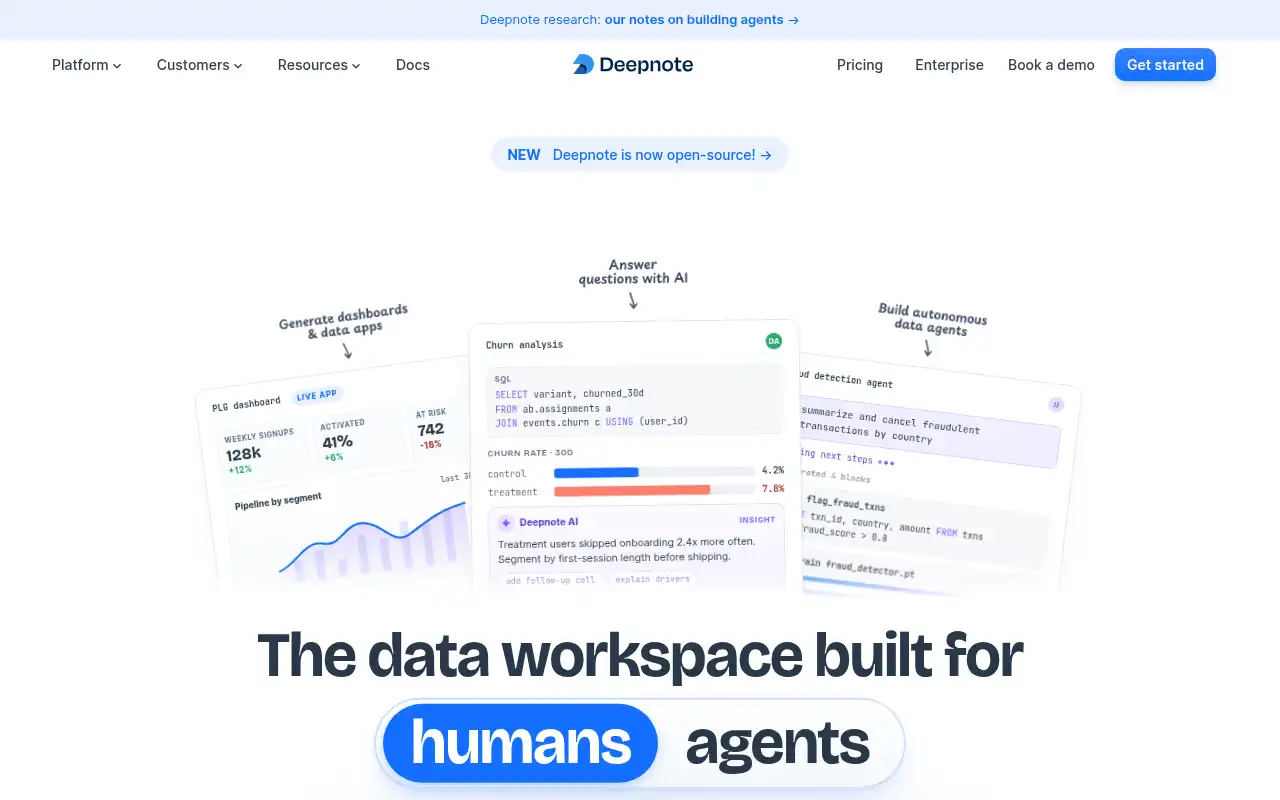
Deepnote is a cloud-based collaborative data science notebook that feels like Google Docs for data work. It's Jupyter-compatible but adds real-time collaboration, SQL integration, scheduling, and a polished UI that makes sharing and presenting data insights much smoother.
- Features: Real-time multiplayer collaboration, Jupyter notebook import, SQL cells with database connections, scheduled notebook runs, interactive charts and data apps, built-in version history, integrations with Snowflake, BigQuery, Postgres, and Redshift, and a comment and review system.
- Why You Should Use It: If collaboration is your top priority, Deepnote is excellent. Multiple people can edit the same notebook simultaneously, leave comments, and review each other's work. The SQL integration lets you query databases directly alongside Python code without switching tools. The scheduling feature is handy for recurring reports and data pipelines.
- Why Not: Deepnote is cloud-only with no self-hosting option, so your data lives on their servers. The Team plan pricing at $59/editor/month can add up quickly for larger teams. The free tier is limited to 3 editors and 5 projects. Some advanced Jupyter extensions and widgets may not work in Deepnote.
- Pricing: Free plan (3 editors, 5 projects); Team at $59/editor/month (14-day free trial); Enterprise with custom pricing. Education plan available for free for students and faculty. No self-hosting option.
5. Databricks Notebooks
Databricks offers an enterprise-grade notebook environment built into its lakehouse platform. If you're working with massive datasets, production ML models, or need to move from exploration to production seamlessly, Databricks Notebooks are designed for exactly that workflow.
- Features: Multi-language notebooks (Python, SQL, Scala, R), Unity Catalog for data governance, built-in MLflow for experiment tracking, auto-scaling compute clusters, collaborative editing, Git integration, scheduled jobs, and tight integration with Delta Lake and the Databricks ecosystem.
- Why You Should Use It: If your organization already uses Databricks or you're working with large-scale data, the notebooks integrate seamlessly with the rest of the platform. The ability to go from interactive exploration to scheduled production jobs within the same tool is powerful. MLflow integration makes experiment tracking effortless, and Unity Catalog provides enterprise-grade data governance.
- Why Not: Databricks is expensive and complex, designed for enterprise teams, not individuals. Interactive notebook compute costs $0.40-0.55/DBU on top of cloud infrastructure costs, making it significantly more expensive than any other option on this list. There's no free tier for production use, and the platform has a steep learning curve if you just need a simple notebook.
- Pricing: No free tier for production. Interactive notebook compute starts at $0.40/DBU (Premium tier), plus cloud infrastructure costs. Most teams spend $500-5,000+/month. Community Edition is free but limited to small datasets and basic features. No self-hosting option.
Conclusion
| Tool | Best For | Ease of Setup | Focus | Cloud Pricing |
|---|---|---|---|---|
| Jupyter Notebook | General-purpose notebooks | Easy | Interactive computing | Free, self-host only |
| marimo | Reproducible, reactive notebooks | Easy | Reactive Python | Free & open source |
| Google Colab | ML with free GPUs | Very Easy | Cloud ML notebooks | Colab Free-$49.99/mo |
| Apache Zeppelin | Big data & Spark | Moderate | Multi-language analytics | Free & open source |
| Deepnote | Team collaboration | Very Easy | Collaborative data science | Deepnote Free-$59/editor/mo |
| Databricks | Enterprise data & ML | Complex | Lakehouse platform | Databricks $0.40+/DBU |
Each tool fills a different gap: marimo for reproducible and reactive Python workflows, Google Colab for quick GPU access and ML prototyping, Apache Zeppelin for big data and multi-language analytics, Deepnote for real-time team collaboration, and Databricks for enterprise-scale data and ML platforms.
Jupyter Notebook remains a fantastic choice for general-purpose interactive computing, especially if you want something simple, open source, and universally supported. But if your needs lean more toward reactive execution, cloud GPUs, collaboration, or enterprise data platforms, one of these alternatives might be a better fit.
If you want to self-host Jupyter Notebook or one of its alternatives, check out these guides: